My role
Co-Founder, Design Lead, Design Engineer


I designed a human-in-the-loop system for AI that can automate scientific research.
Premise
Scientific research is becoming increasingly computational. AI can now support an entire research loop, but researchers still need to understand and control what happens at each stage.
Product
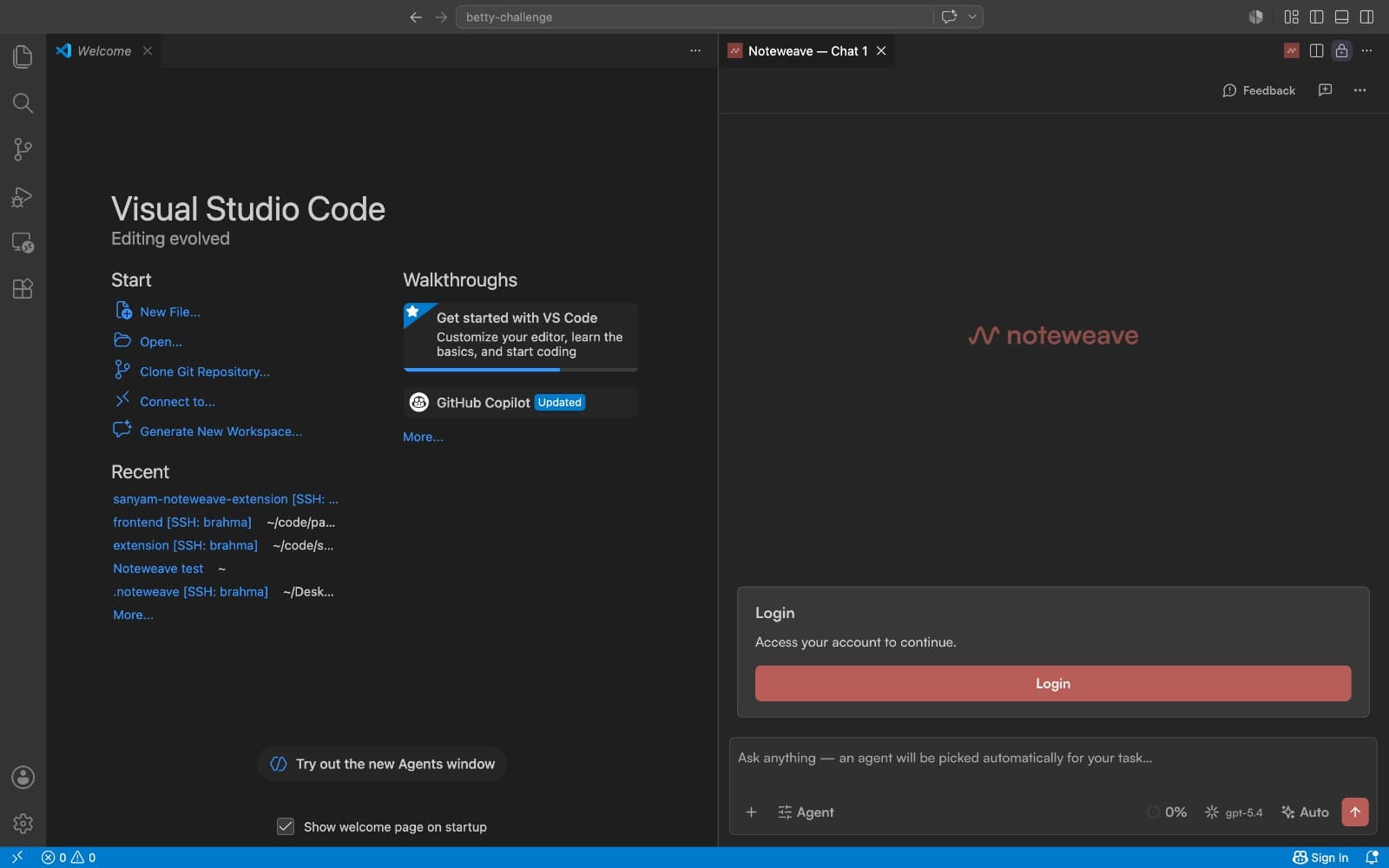
I decided Noteweave will sit as a plugin inside coding IDEs like Cursor because AI/ML researchers work in IDEs, this helped in reducing context switching and leveraging familiar workflows.
Constraints
I used progressive disclosure to surface only relevant information, improving readability and reducing cognitive load.
1 of 3
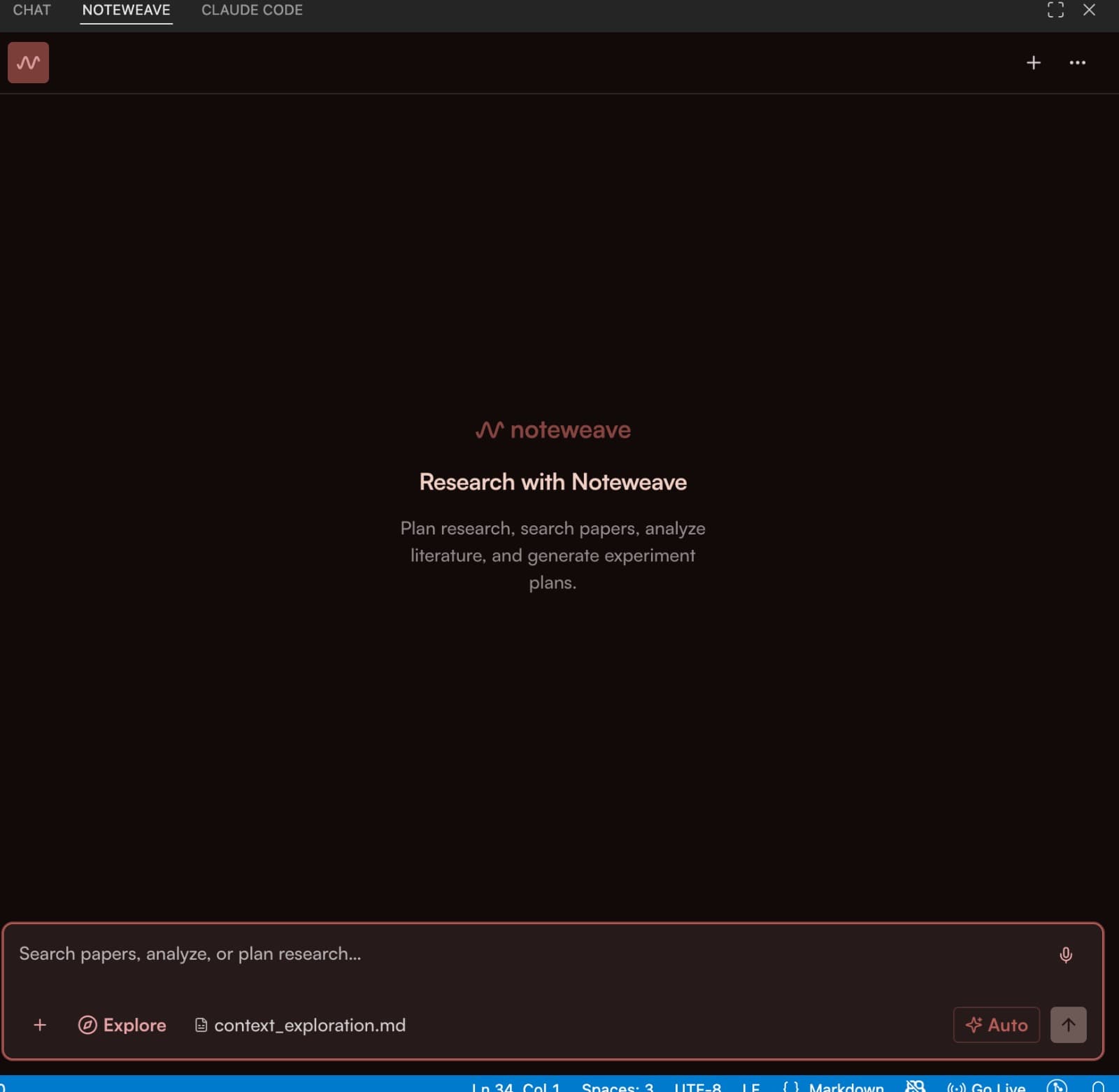
I paired a compute-conscious architecture with BYOK, reducing unnecessary usage while giving users greater cost visibility and control.
2 of 3
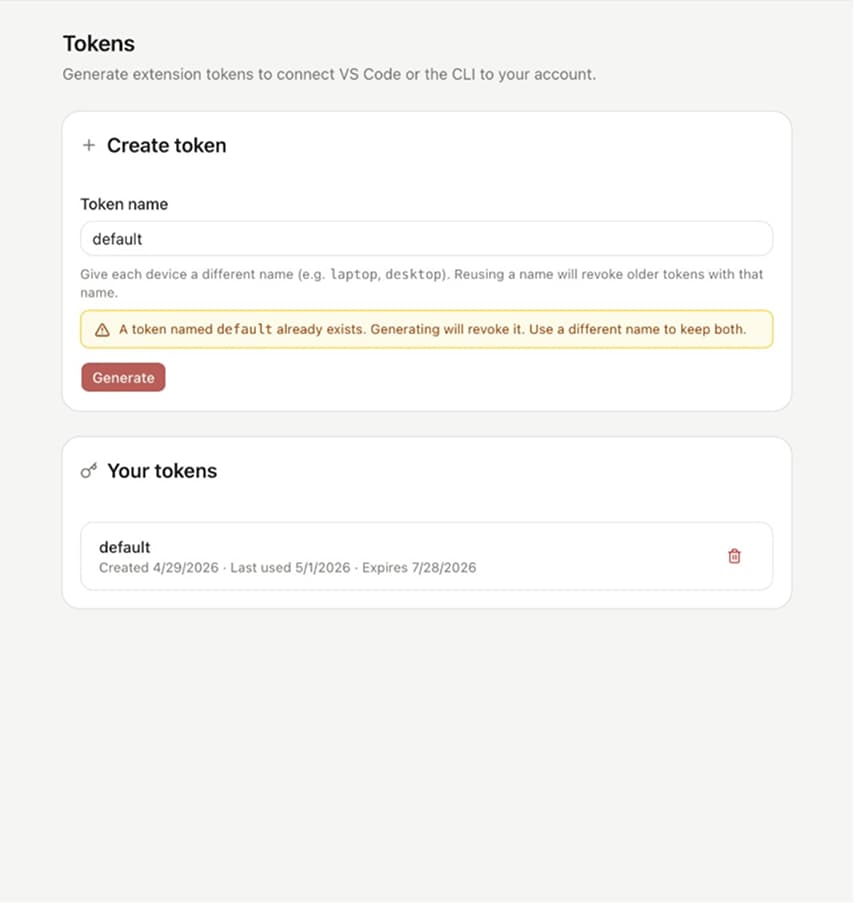
I reduced onboarding steps and preserved login state, making setup faster with fewer interruptions and context switches.
3 of 3
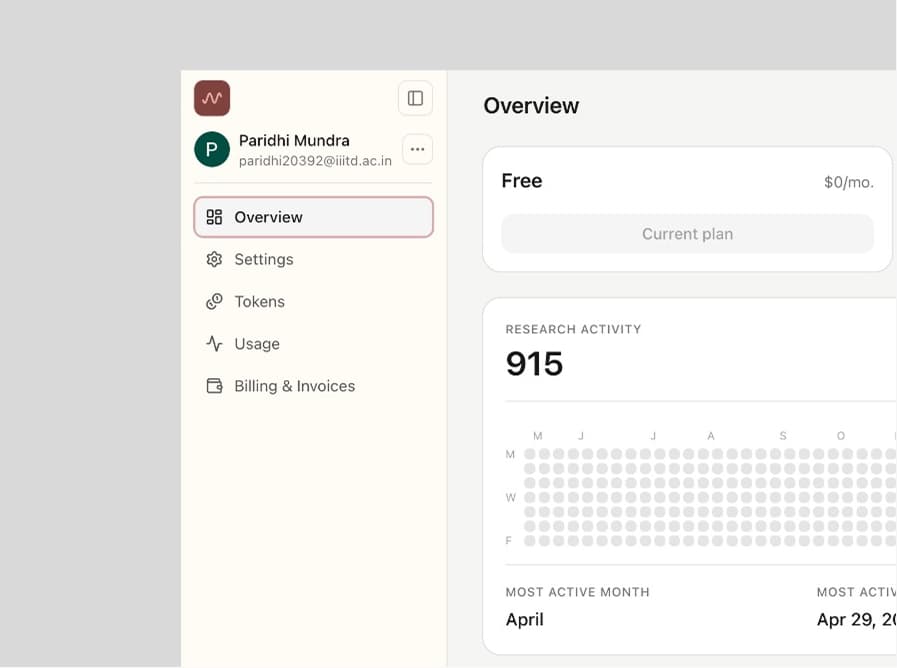
Discovery
Formal user studies were not feasible in a startup setup, so I started by mapping inputs and outputs for each transition stage.
Autonomy map
Each stage receives autonomy based on risk and reversibility.
The agent shifts from review to execution as risk increases.
| Execute | Explore | Scope |
|---|---|---|
| Researcher approves | Researcher reviews | AI acts |
| Handles Experimentation | Handles Problem defining Hypothesis generation Drafting | Handles Literature review |
Interactions
1 of 10
Old flow
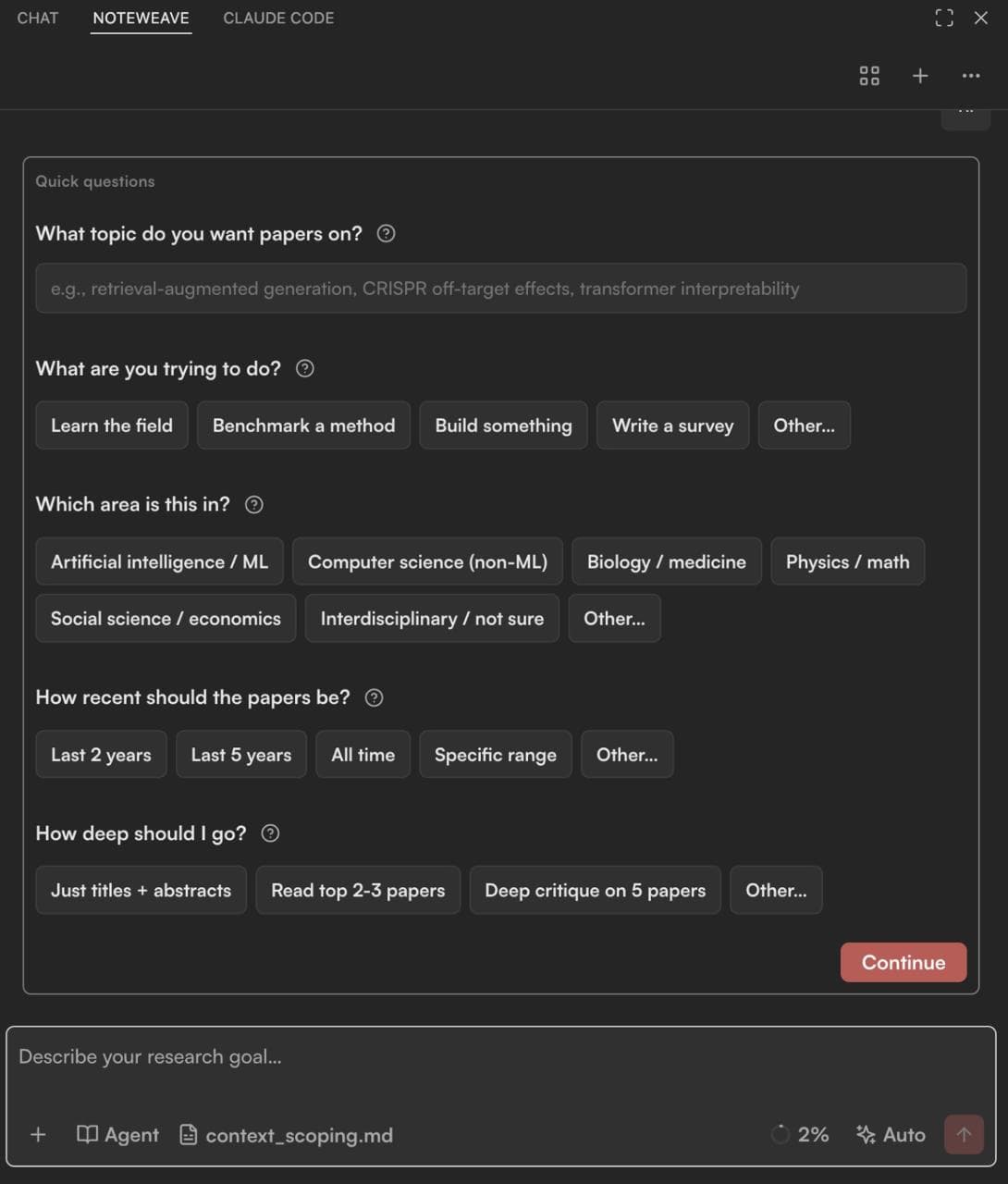
A broad prompt immediately triggered autonomous reasoning.
New flow
A context agent asks a few targeted, optional questions to bound the research space before work begins.
2 of 10
| Old flow | New flow |
|---|---|
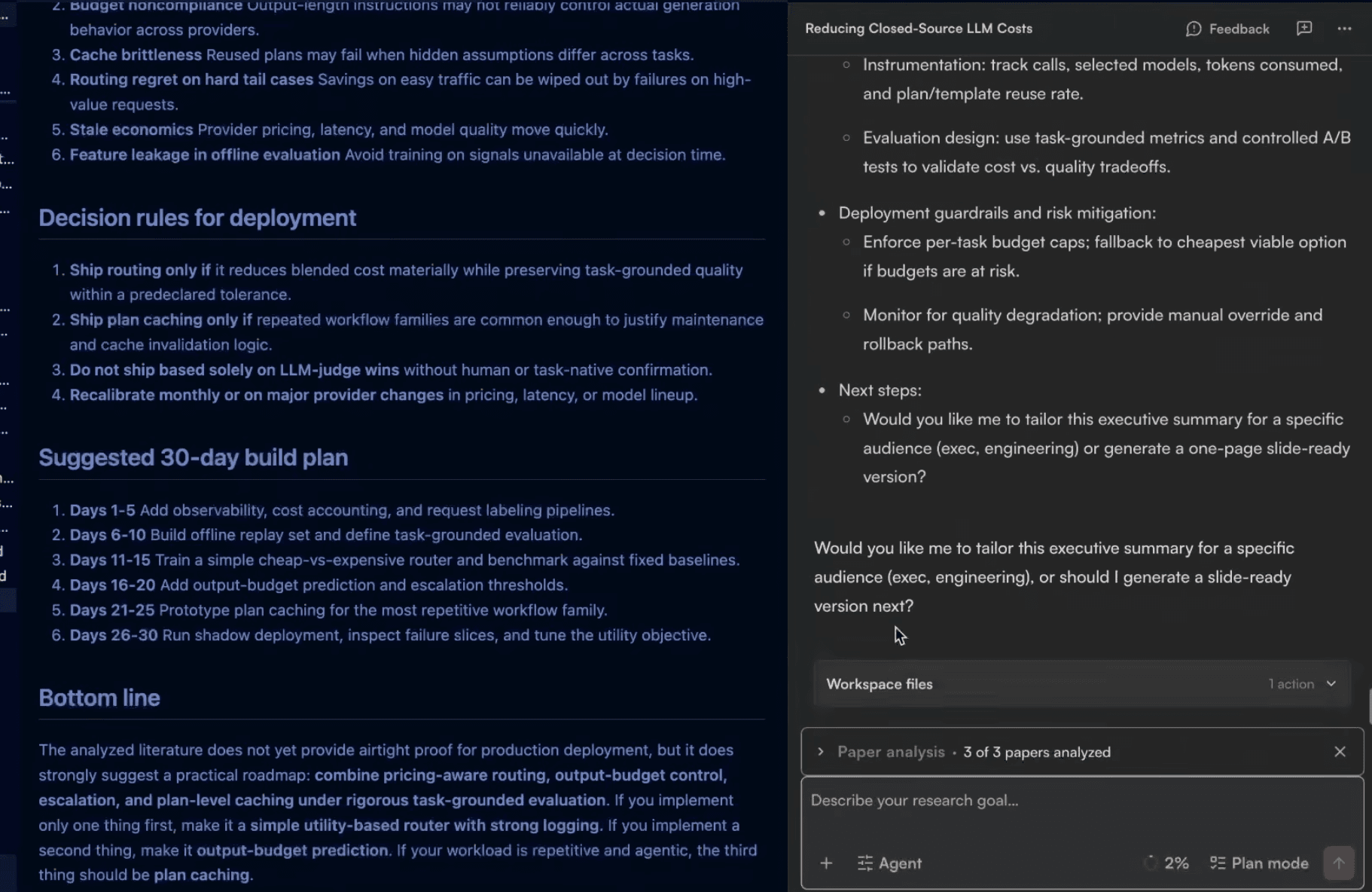
| Long-form research outputs accumulated inside the conversation. | Chat kept short summaries while detailed outputs moved into visible markdown files. |
3 of 10
| Old flow | New flow |
|---|---|
The first version used bright colors to create a distinct identity. 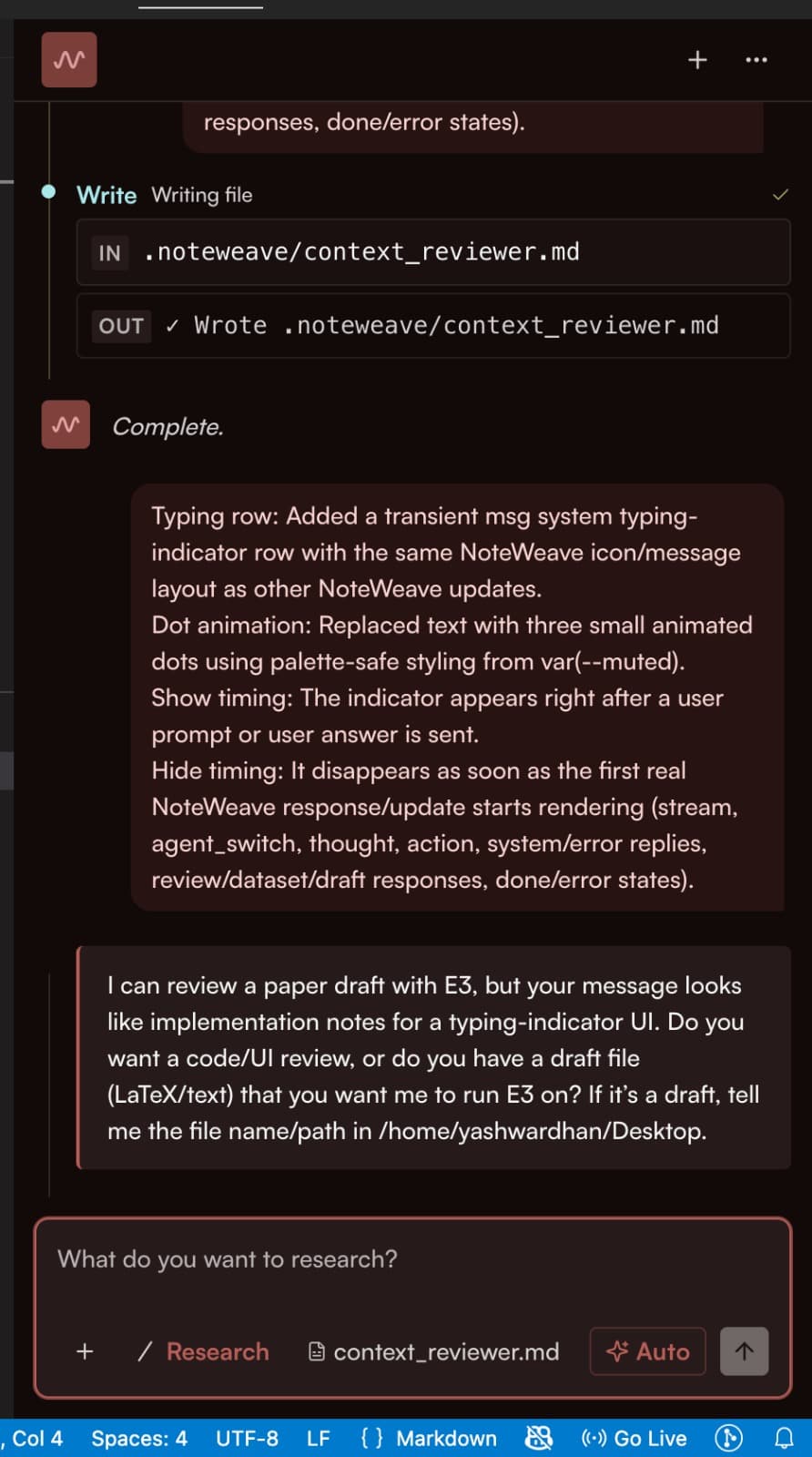 | The interface moved from bright distinction to a calmer IDE-native presence. 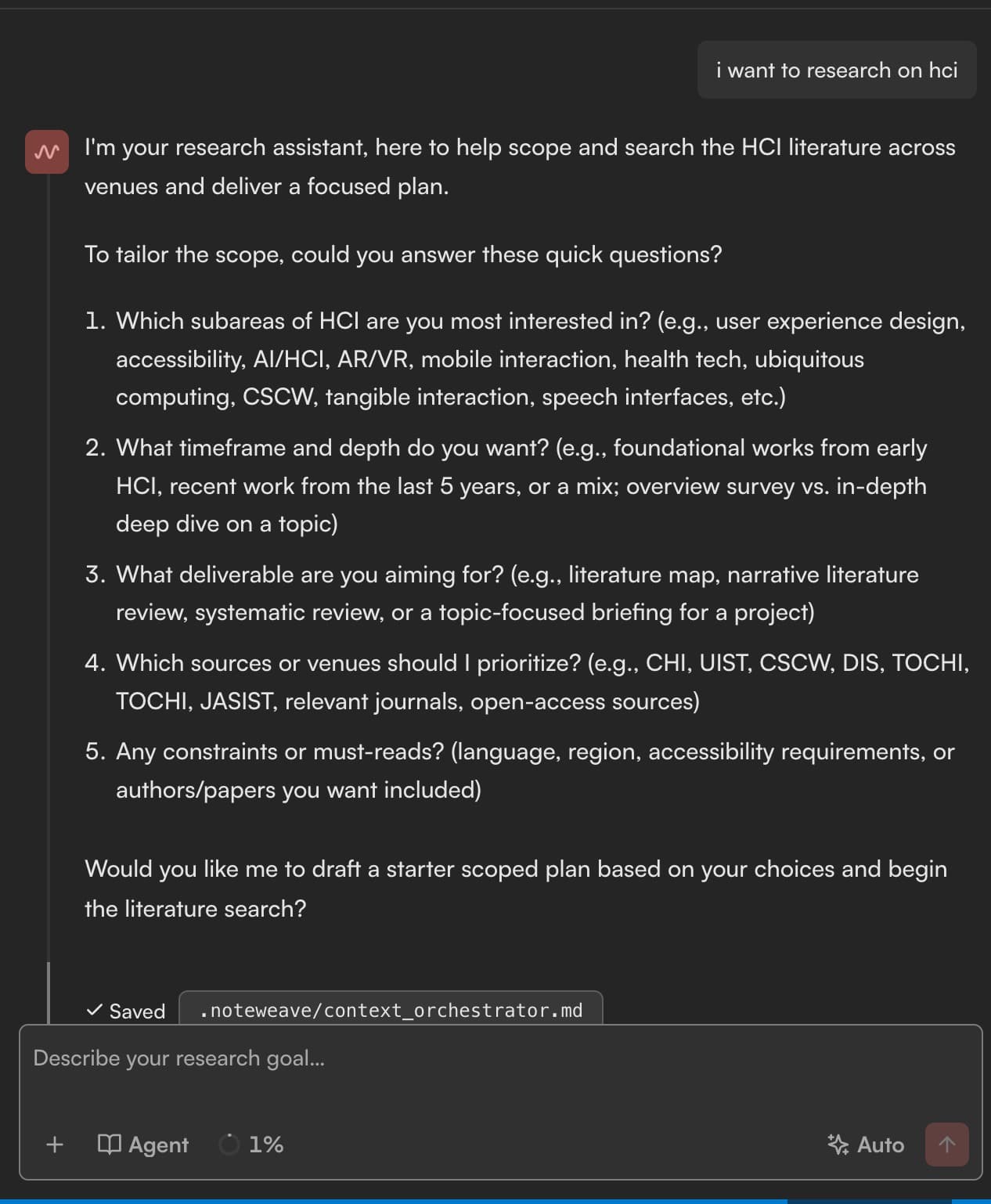 |
4 of 10
| Old flow | New flow |
|---|---|
| The interface treated research as one continuous chat state. | We modeled scoping, exploring, approval, execution, analysis, failure, and export as distinct states. 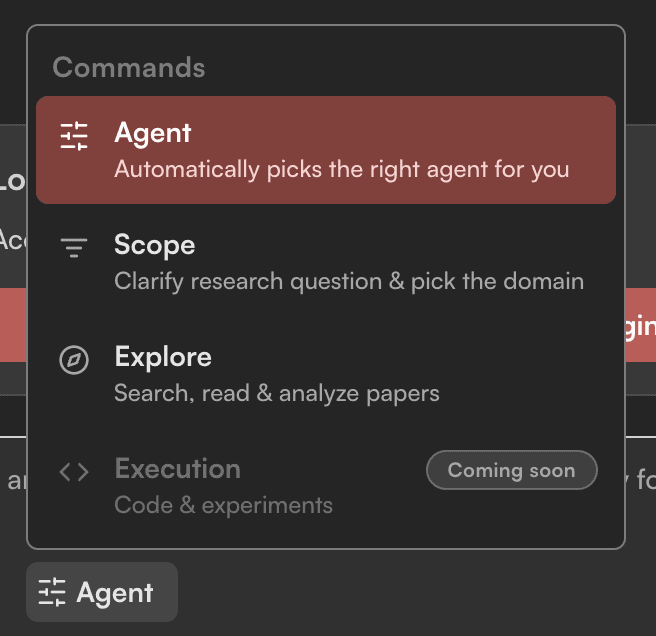 |
5 of 10
| Old flow | New flow |
|---|---|
| Consequential actions were not consistently reviewable. | We made consequential actions reviewable and required explicit approval before the AI could run experiments or turn hypotheses into production plans. 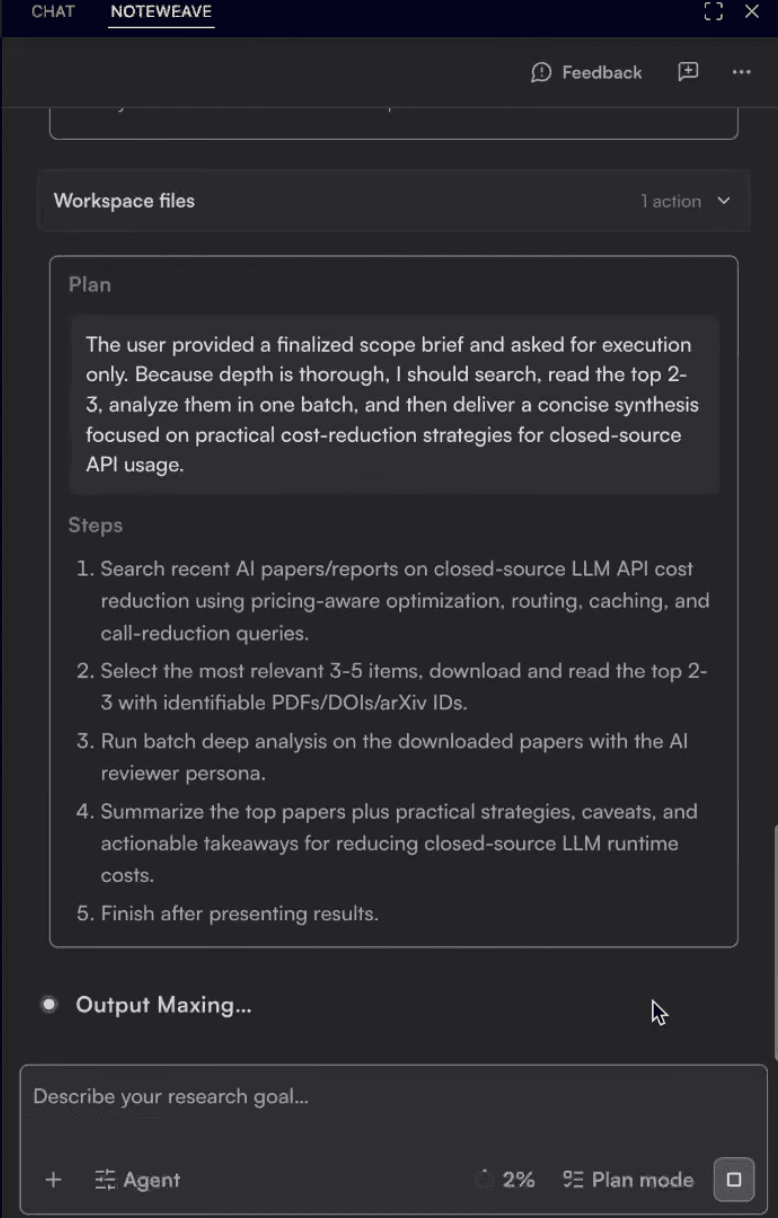 |
6 of 10
| Old flow | New flow |
|---|---|
| Failures behaved like dead ends with no clear recovery path. | Failures were treated as product states: Noteweave surfaced constraints, preserved the research trail, and made the next recovery action explicit. 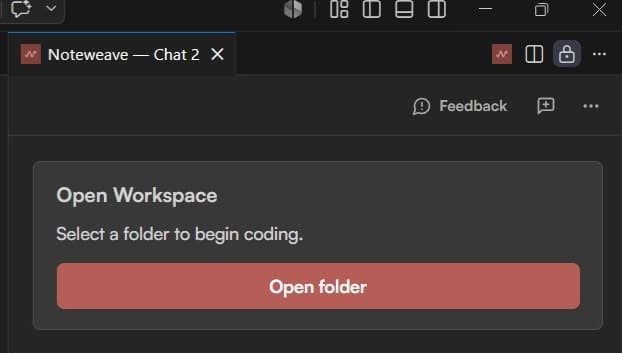 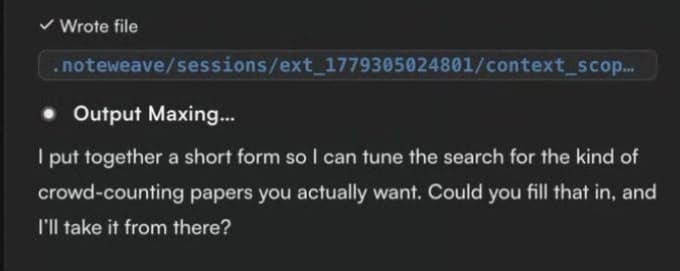 |
7 of 10
| Old flow | New flow |
|---|---|
| The input captured a prompt, but agent behavior and execution mode stayed implicit. | The redesigned composer brought the research goal, agent choice, progress, and Plan mode into one place. 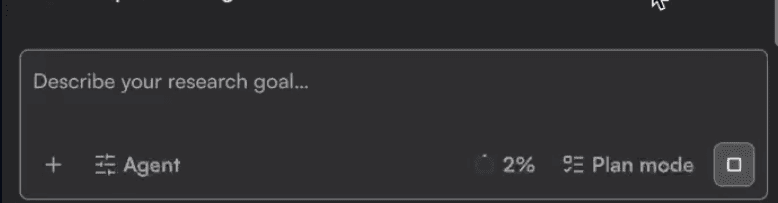 |
8 of 10
| Old flow | New flow |
|---|---|
| Failures were framed as technical dead ends. | Assistive, warm, BUT pragmatic 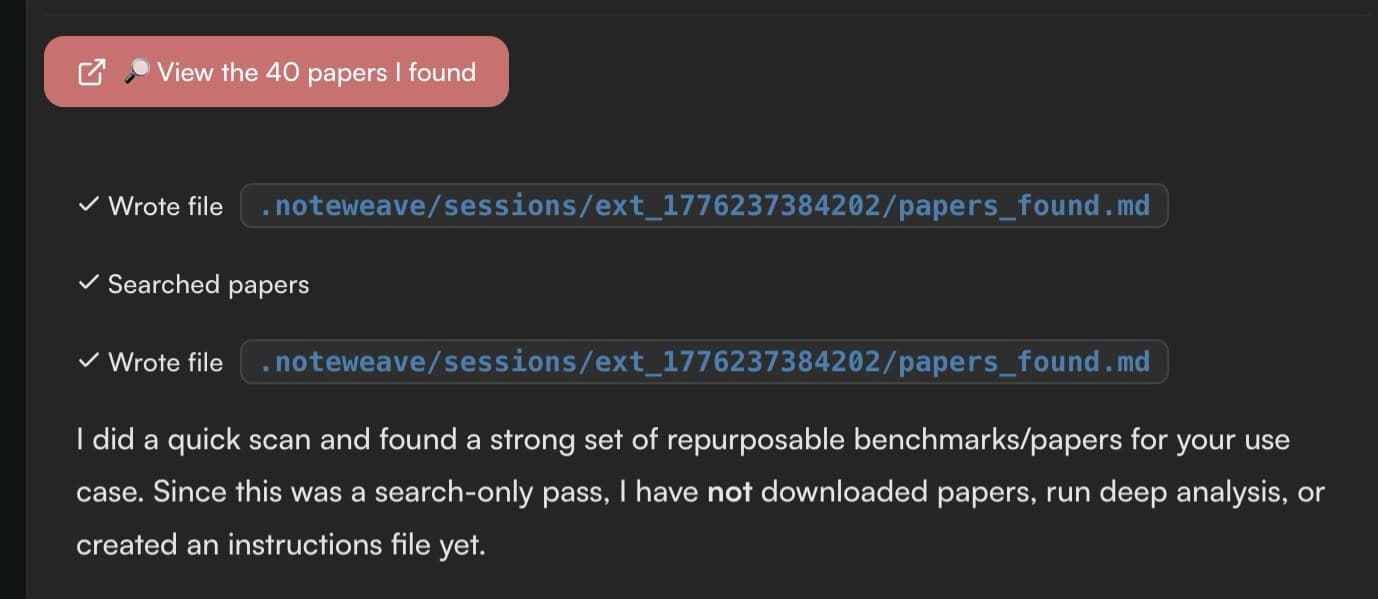 |
9 of 10
| Old flow | New flow |
|---|---|
| Starting research required moving away from the active workspace. | Noteweave opens automatically where the rest of the agent window lives. 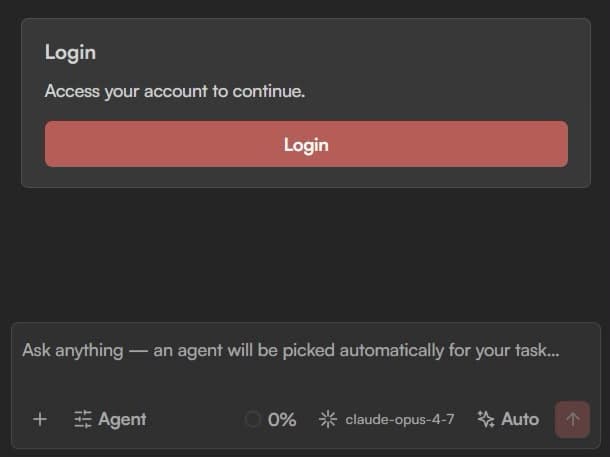 |
10 of 10
| Old flow | New flow |
|---|---|
| The agent's degree of autonomy was implicit. | The modes translated autonomy into an explicit user choice: Auto lets the agent self-plan, Permission asks before every tool call, and Plan writes the plan before execution. 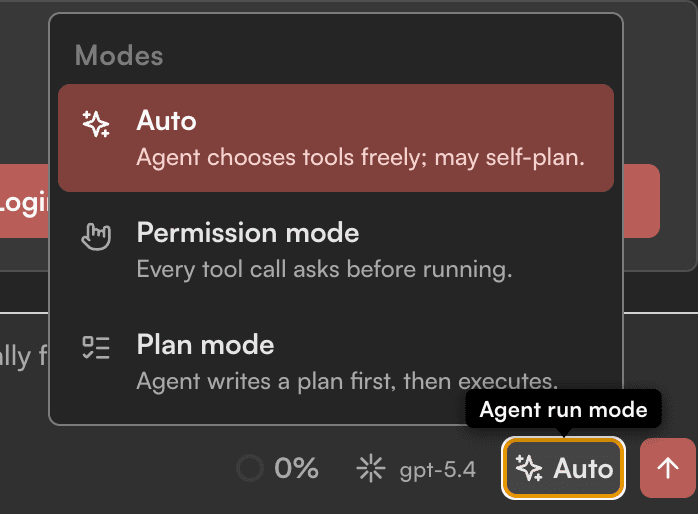 |
Result
Outcome
Within two months, Noteweave reached 150+ users across AI/ML, research institutes, universities, and scientific R&D; it collaborated with Wavelength, Diagnosis, and Audria, with support from OpenAI, Microsoft, Anthropic, AWS, and Founders Inc.
Learnings
Match AI control to risk, not model capability.
Real workflows expose edge cases early.
Use questions to challenge assumptions.
A clear workflow matters more than backend complexity.
State what the AI knows, omits, and needs next.
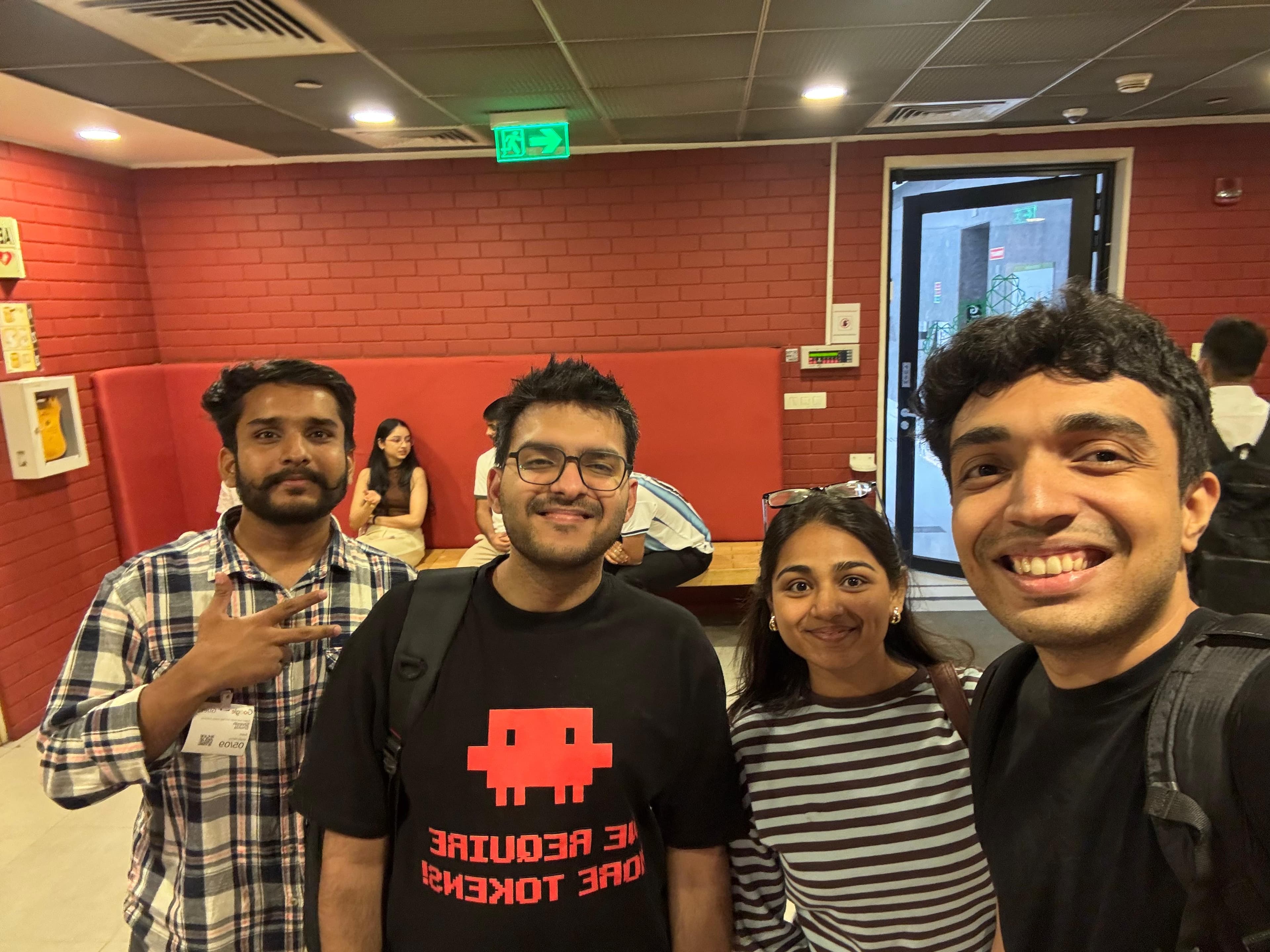
Paridhi was my Co-founder in 2 startups, which we scaled to users from 30+ countries. She has phenomenal grit and thinking. You are at a loss if you do not have her in your team!